Quote
From the cost estimate to a quote your client can accept.
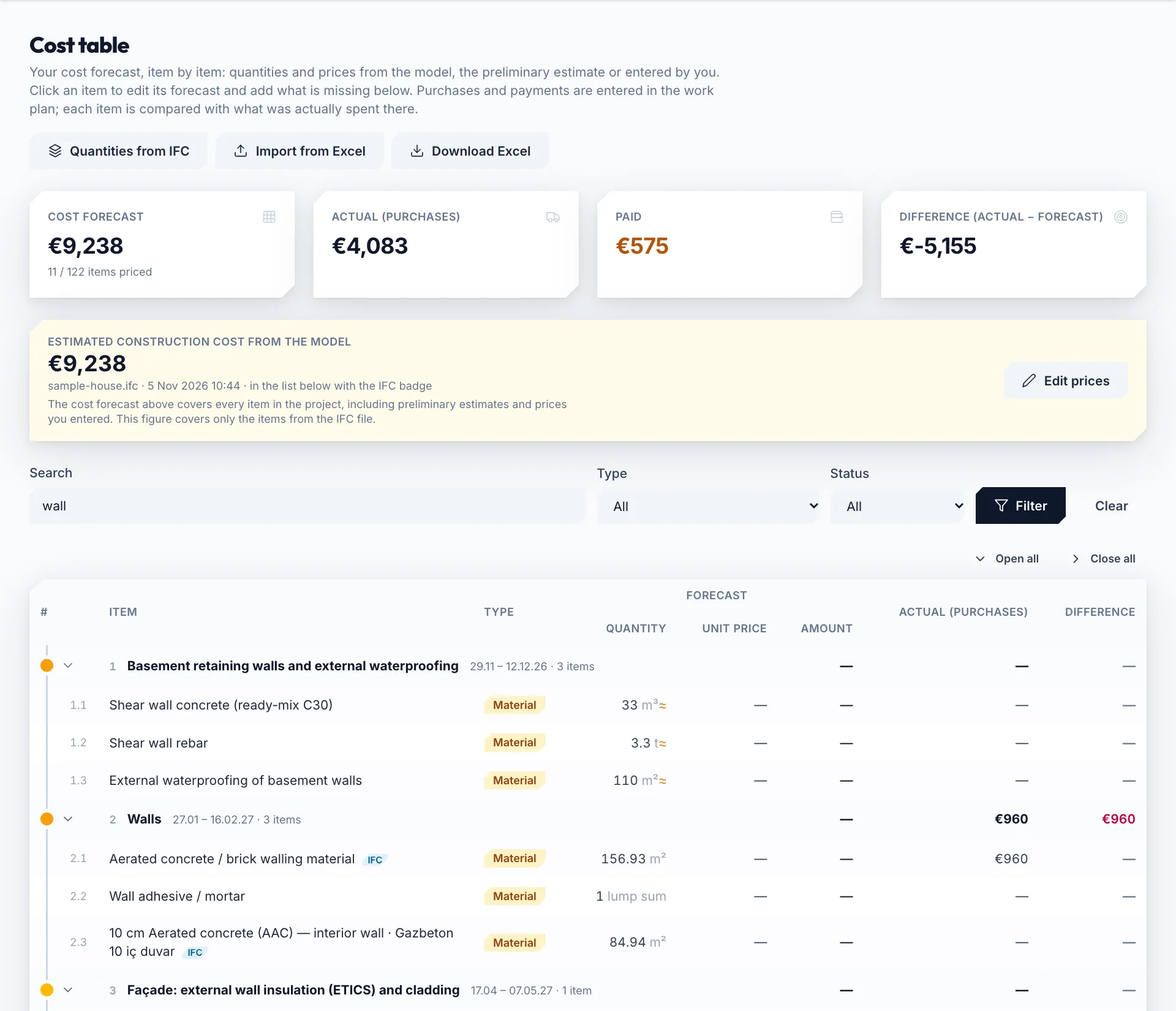
The quote is built from the forecast in your cost table — quantity × unit price, VAT excluded — so nothing is typed twice. Choose the scope, the grouping and how your margin shows; Constructio adds your company name and logo, numbers the quote within the project and keeps its figures fixed once it is sent.
How it works
“Plan & cost” → “Quotes” → new quote:
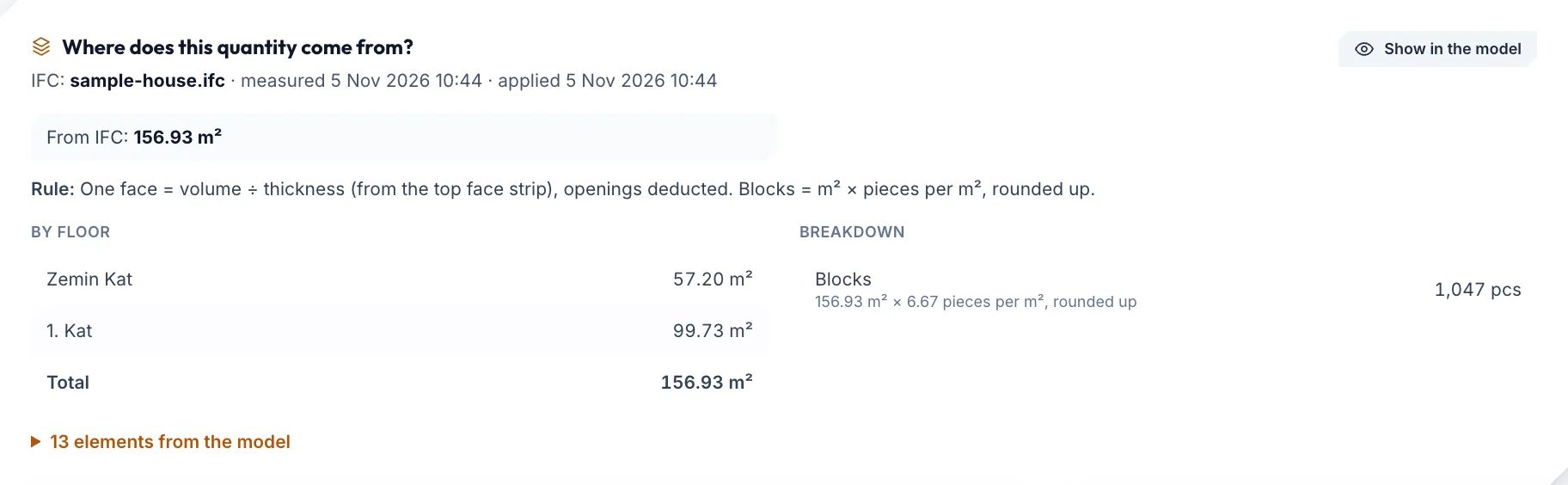
- Item quantities come from the IFC take-off or a preliminary estimate from floor areas (≈), prices from your own library or a sourced average
- Scope: every phase (including ones added later) or the ones you choose; single items can be left out
- Grouping by phase, by work group or as a lump sum; lines with quantities and unit prices or totals only
- Margin and VAT: the project's total layers (contingency, overhead and profit, escalation, VAT) or a margin percentage and VAT for this quote; the margin spread into unit prices or shown as separate lines; the grand total rounded to 1, 10, 100 or 1000 with the difference on its own line
Sending and acceptance
- An A4 document with page numbers, your company name and the quote number on every page; print it from the browser or save it as a PDF
- The client link needs no account; it is valid for up to 180 days and you can close it at any time
- The client accepts online within the validity period by typing their name and ticking a box; you can also mark a quote accepted or rejected by hand
- Company profile: name, address, optional tax office and number, logo (png, jpg or webp, up to 1 MB)
Then
A sent quote does not change; for a new version with today's figures, “Duplicate” opens a quote with a new number. Once work starts, purchases, payments and approved progress payments on the same items are the actual cost, side by side with the forecast.
Good to know
- An item without a price shows “price not set” and stays out of the total; a warning says how many there are. No price is made up.
- Quantities are take-off or preliminary estimates, and the document says so. The currency is the project's; nothing is converted.
- Online acceptance records the typed name and the time; it is not a qualified e-signature.
Frequently asked questions
Which package has it?
Quotes are in the License, Pro and AI Pro packages (from €19 a month). The Free plan opens one project for 30 days with the model, take-off and cost table.
Does my client need an account?
No. The quote link opens without signing in; the client can print it and accept it by typing their name.
Which language is the quote in?
The language you create it in; the site works in English, Turkish, Estonian, German and Spanish.
Can I export it to Excel?
The quote document is printed or saved as a PDF; the cost table also downloads as Excel.
Related pages
Try it on your first project.
Look at what the free plan covers; choose the License for your site team, Pro for drawing sheets and AI Pro for your DWG drawings.
Free €0 · 30 days License €19 a month Pro €30 a month AI Pro €50 a month Enterprise Contact us
English, Turkish, Estonian, German and Spanish, with a light and a dark theme. Each team member uses what they prefer.